AI for educators who cite their sources.
Paste the standard you teach to — Common Core, NGSS, a state framework, IB, your district's own scope and sequence — and brief the Architect. A run drafts lesson plans, rubrics, gradebook formulas, and IEP / 504 templates against that spec, and keeps running until the citations gate clears. Every output cites the standard verbatim, ships with a signed receipt, and opens in an editable Canvas. No fabricated standards. No pretend compliance badges.
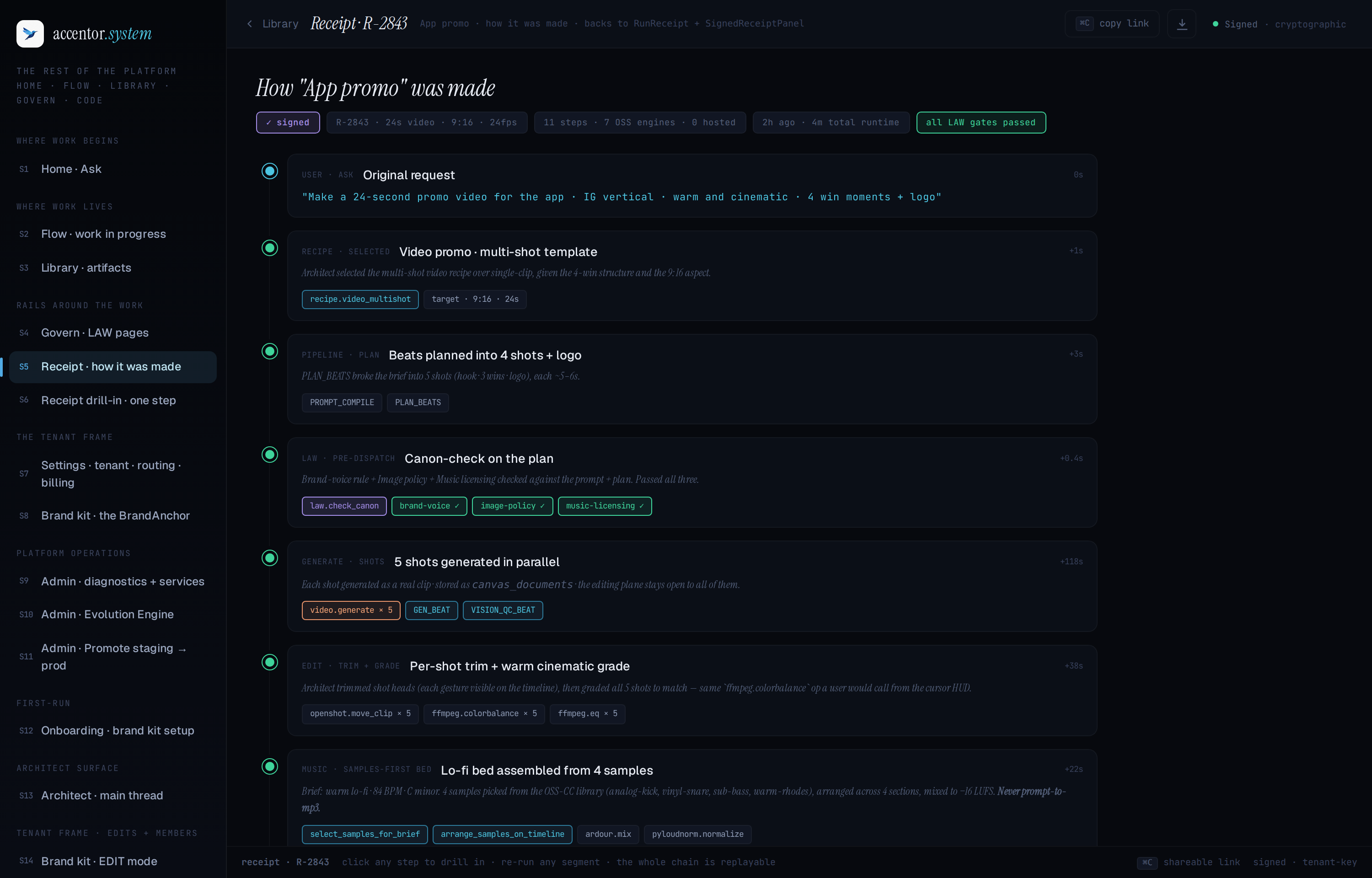
Education receipt: Photosynthesis unit plan — required_sections, citations_present, and readability gates passed. Standard cited verbatim. Signature verifiable at a public URL.
For building, for running, for supporting.
The four classroom productions we deliver today.
- —Lesson-plan scaffolding — a document run. Objectives, activities, assessment checkpoints, time blocks. Structured output that opens editable in the Canvas.
- —Rubric generation — a document run against any standard or framework you paste into the brief. The Architect cites the source text you provide, verbatim.
- —Gradebook formulas — a spreadsheet run. Weighted averages, standards-based grading columns, missing-work detection. Validated by formula-validity and no-#REF! gates.
- —IEP / 504 plan templates — a document run. Structure-only scaffolds with placeholder-enforced student names and the citations_present gate. Confidential details stay in your SIS, not here.
Any framework you paste in — cited back, verbatim.
Accentor does not ship a packaged NGSS or Common Core ontology. We treat that as aspirational until it's real — and we won't fabricate a standard to look like we have one.
What we do ship: paste the standard text — an NGSS performance expectation, a state framework paragraph, an AP College Board descriptor, your district's own scope and sequence — and the run drafts the rubric or lesson plan against that text. The citations_present gate refuses to deliver until the cited source appears in the output.
You own the standard. The Architect owns the drafting. The gate owns the receipt.
Your students' data stays in your tenant.
- —Tenant isolation. Row-level security on every table. No cross-tenant data use. No training on your content.
- —COPPA governance profile. Strict-language, age-gated, minimal-retention output gates — one of six governance profiles the Architect can enforce on a run.
- —Placeholder enforcement. Brief the Architect with "[student name]" instead of a real roster, and outputs preserve the placeholder. Real rosters belong in your SIS, not in a generation prompt.
- —No FERPA-safe badge. FERPA classification depends on who you are and how you use the data. We make no blanket claim. Talk to your district counsel about your specific use case.
Unit → spec → draft → delivered.
Classroom work costs cents. Half off for educators.
Lesson plans, rubrics, memos, gradebook formulas, analysis — on the published price list these cost about fifty cents or less each, so a seat's monthly usage budget covers a full teaching load. Every price is published, and anything expensive is quoted before it runs.
50% off Pro for verified students and educators. Every capability is included — the Accentor classroom is the full platform. Departments and full schools move to Team for a pooled usage budget, shared Brand Kits, and a review queue; district-wide licensing is quoted per building via Enterprise.
The COPPA governance profile restricts what a run can collect, store, or generate about students under 13. When it's active, the Architect refuses to persist student PII, redacts it from generated outputs, and logs the refusal to the audit trail. The profile is on by default for education accounts.
Interested in a district license?
Multi-school procurement, BAA / DPA templates, SSO, and dedicated onboarding. Talk to us.